
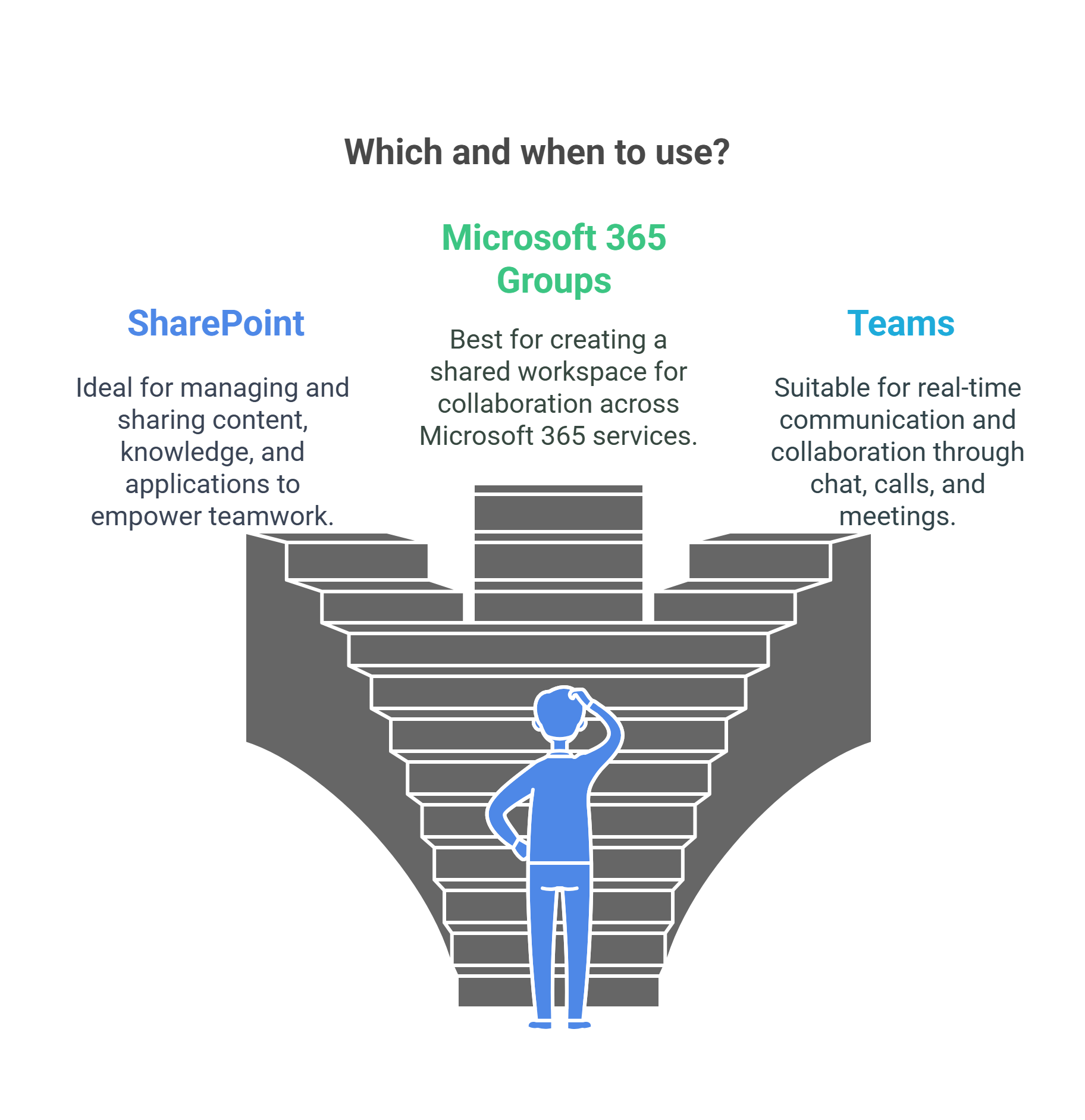
In today’s digital workspace, organizations have a plethora of tools at their disposal to facilitate collaboration and communication. This document aims to clarify when to use SharePoint Sites, Microsoft 365 Groups, Teams, and OneDrive for various business needs. Understanding the strengths and appropriate use cases for each tool can enhance productivity and streamline workflows and help with administration, maintenance, compliance, and manageability.
SharePoint Sites
Is deep document management a primary need for a team or organization?
If yes, a SharePoint Site is likely the best choice.
Use Case: SharePoint Sites are ideal for creating intranet sites, document libraries, and team collaboration spaces that require extensive customization and content management capabilities.
When to Choose:
- When you need to build a centralized repository for documents and resources that can be accessed by multiple teams or departments.
- If your project requires advanced features like workflows, version control, and custom lists.
- When you want to create a public-facing site or an internal site that serves as a hub for information sharing and collaboration.
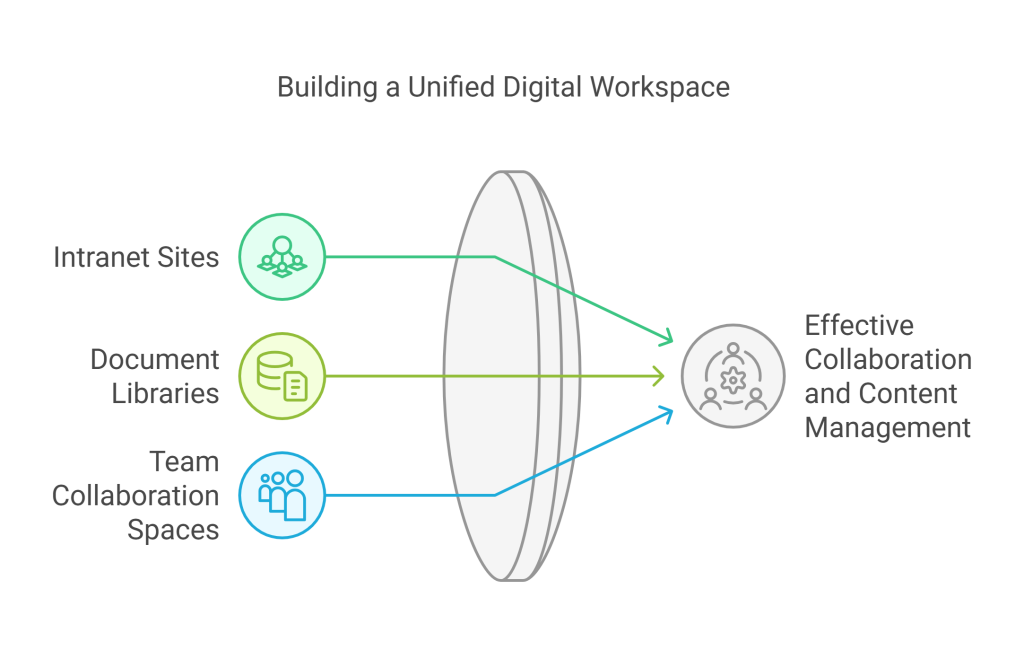
SharePoint: Think organizational documents and information, structured content, and robust management
Microsoft 365 Groups
Is this for a project team that needs a shared workspace integrating calendars, tasks, planner, and files? If yes, a Microsoft 365 Group is likely the best choice.
Use Case: Microsoft 365 Groups are designed for teams that need a shared workspace for collaboration, combining features of SharePoint and Outlook.
When to Choose:
- When you want to create a dedicated space for a specific team or project that includes shared calendars, email, and files.
- If you need a simple setup that integrates seamlessly with Microsoft 365 applications.
- When your team requires a collaborative environment with basic document sharing and communication tools.
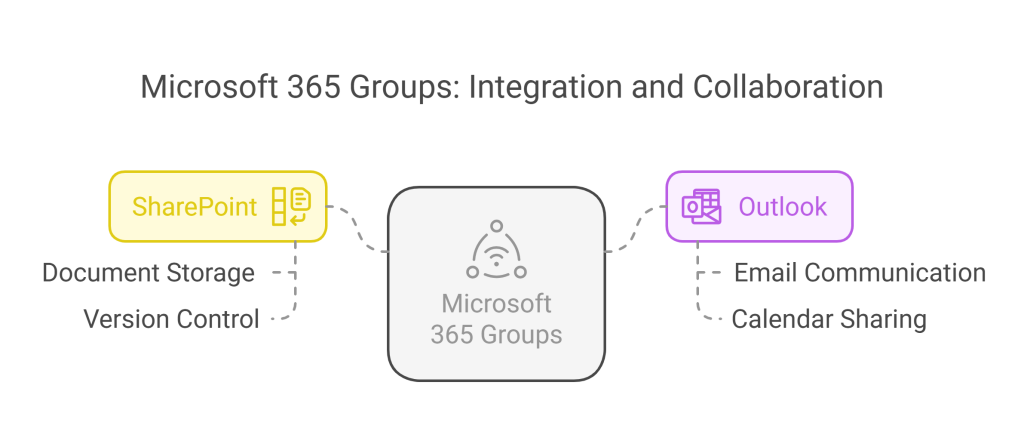
Microsoft 365 Groups: Think project teams, integrated team tools, and shared workspaces.
Microsoft Teams Group
Is real-time communication the most critical aspect of collaboration for a team?
If yes, a Microsoft Teams Group is likely the best choice.
Use Case: Microsoft Teams Group are best suited for real-time communication and collaboration within Teams, allowing for organized discussions around specific topics or projects.
When to Choose:
- When your team needs to communicate frequently and in real-time, using chat, video calls, and meetings.
- If you want to organize conversations by topics or projects using channels, making it easy to find relevant discussions.
- When you require integration with other Microsoft 365 apps for a more cohesive workflow, such as Planner, OneNote, or SharePoint.
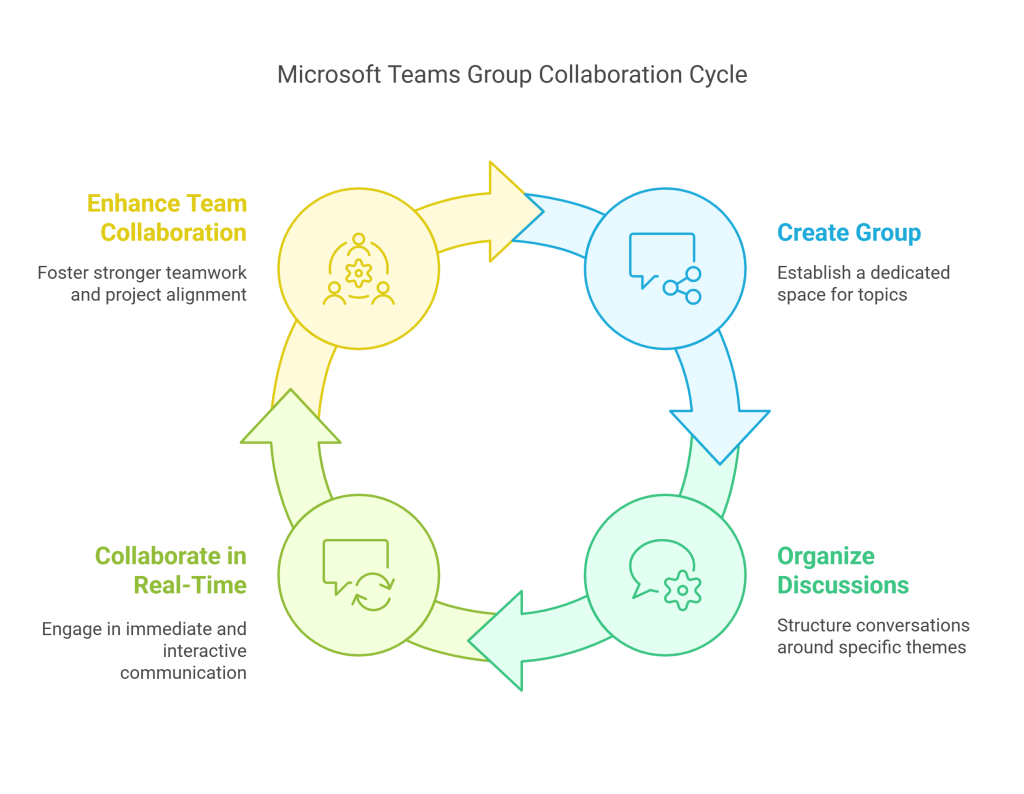
Teams: Think communication-first teamwork, agile workflows, chat and meetings.
OneDrive
Are these files primarily for your personal use, even if you might occasionally share them?
If yes, OneDrive is likely the best choice.
Use Case: OneDrive is primarily a personal cloud storage solution that allows users to store, share, and collaborate on files.
When to Choose:
- When individual users need a secure space to store their personal work files that can be accessed from anywhere.
- If you want to share files with external users or collaborators without giving them access to a broader team site.
- When you need to sync files across devices for offline access and easy sharing.
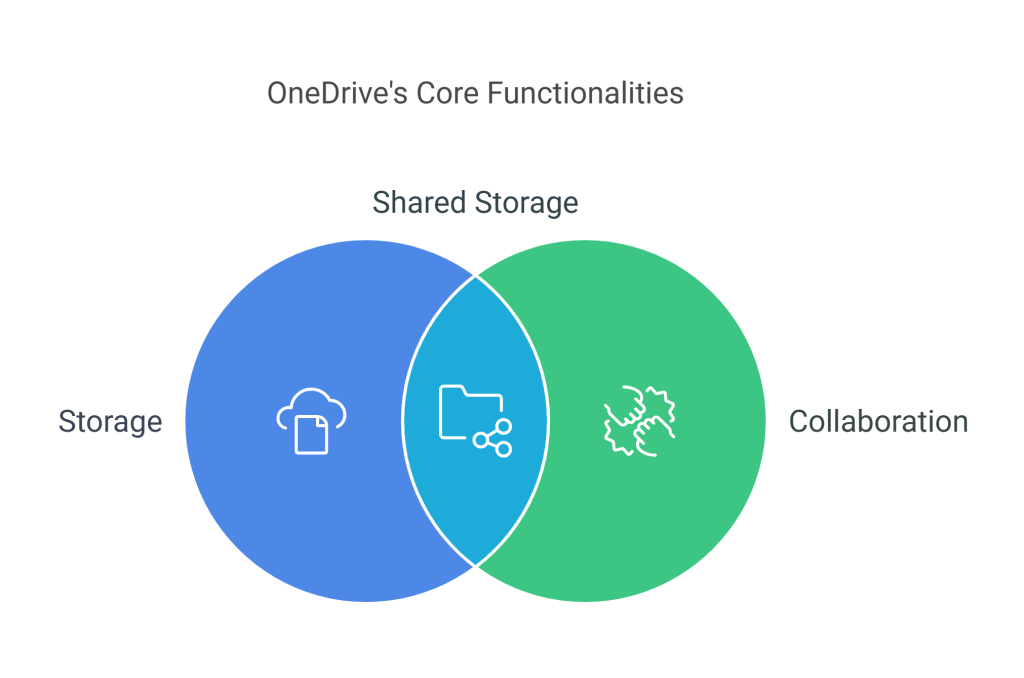
OneDrive: Think your personal files, individual productivity, ad-hoc sharing, files for me.
Conclusion
Choosing the right collaboration tool within the Microsoft ecosystem depends on the specific needs of your team or project. By understanding the unique features and ideal use cases for SharePoint Sites, Microsoft 365 Groups, Teams, and OneDrive, organizations can optimize their collaboration efforts and enhance overall productivity.
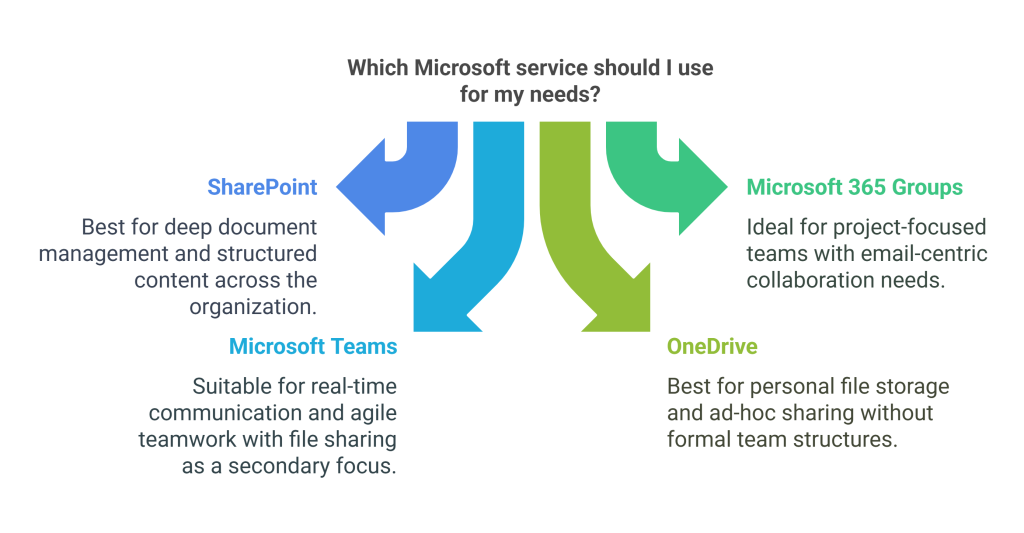
Think of it this way:
If you need a powerful “file cabinet” with advanced organization and features: Choose SharePoint.
-
- Deep Document Management
- Company-Wide Information
- Custom Solutions
- Large & Complex File Libraries
- Organizational/Structured Content
If you need a “project room” where files are one important part among calendars, tasks, and broader collaboration: Choose Microsoft 365 Group.
-
- Project-Focused Teams
- Email-Centric Collaboration
- Integrated O365 Workspace
- Shared Team Resources
- Team-Based Projects & Collaboration
If you need a “virtual office” where chat and meetings are constant and files are shared to support those conversations: Choose Microsoft Teams Group.
-
- Real-Time & Agile Communication
- Dynamic & Fast-Paced Work
- Integrated App Environment
- Ongoing Collaborative Tasks
- Communication-First Teamwork with File Sharing as a Secondary Need
If you need a hard drive in the cloud with a few extra benefits thrown in like sharing: Choose OneDrive.
-
- Personal File Storage: Your individual work files, backups, etc.
- Individual Productivity: Organizing your own files, accessing them anywhere.
- Ad-hoc Sharing: Quickly sharing files or folders with specific individuals for review or collaboration.
- Files you don’t need to be part of a formal team or organizational structure.
- Files for your use, with optional sharing as needed.
Let’s Connect
Related Articles
No Results Found
The page you requested could not be found. Try refining your search, or use the navigation above to locate the post.

